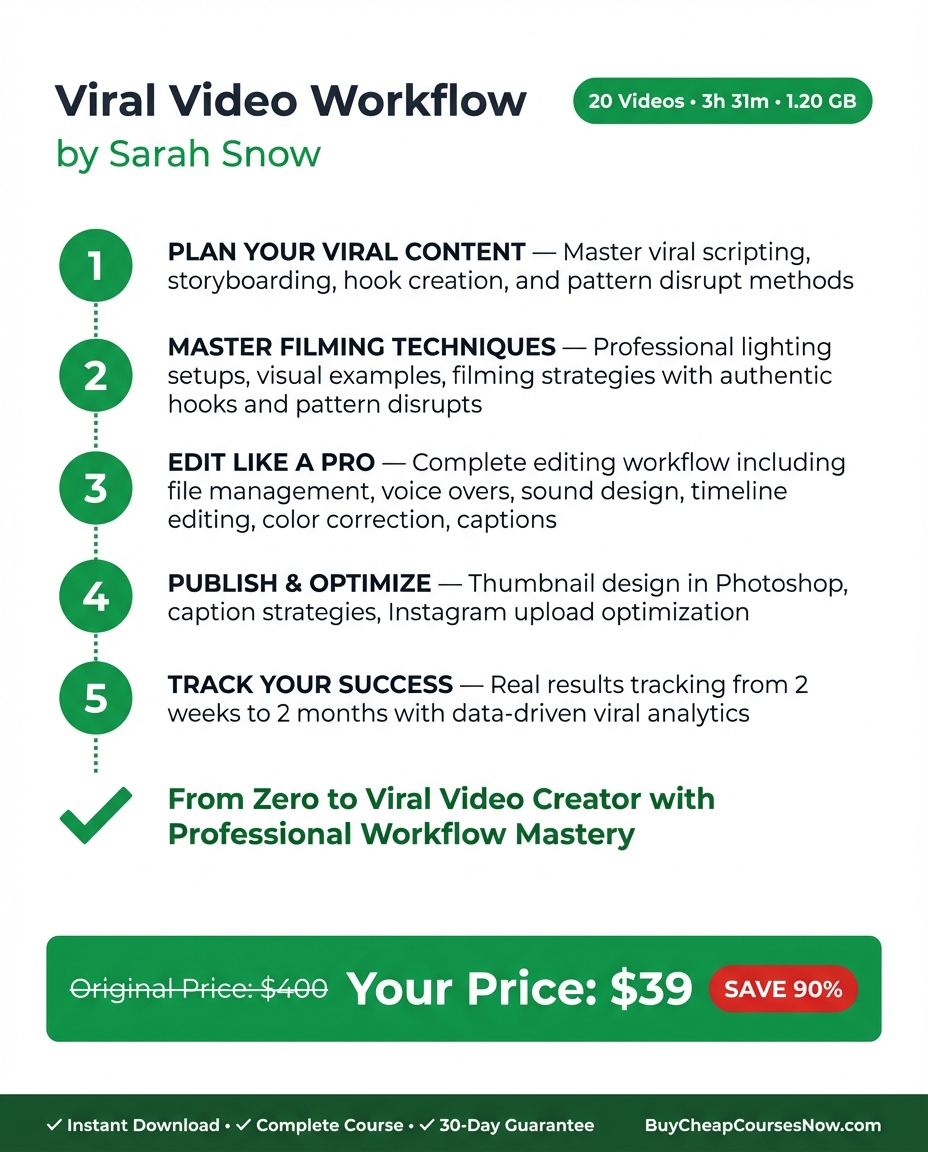
Viral Video Workflow by Sarah Snow Review (2026): Is It Worth $249?
Is Viral Video Workflow worth $249? That depends on one question: do you already have something worth saying, but no reliable system for making it land?
Sarah Snow's course makes a claim that most content creation educators avoid because it is difficult to prove: virality is not luck. It is an engineering problem. Every second of a high-performing short-form video is a deliberate decision — hook architecture, audio timing, color signal, caption placement — and those decisions can be systematized, taught, and replicated. Snow does not just argue this point. She proves it on camera, building one real video from a blank page all the way to 431,000 views across 20 lessons.
That is the course's clearest strength and its clearest limitation. It is a masterclass in one video, made in one style, by one creator with a specific production toolkit. What you walk away with is a complete, reproducible workflow — not a content strategy, not an audience-building system, not a path to channel growth over time. Just a precise, technically rigorous process for making a single short-form video as well as it can possibly be made.
This review names every framework in the course, identifies the real gaps, and tells you exactly who should buy it and who should look elsewhere first.
Course At A Glance
| Creator | Sarah Snow |
| Price | $249 |
| Lessons | 20 |
| Difficulty | Intermediate |
| Category | Video Production & Short-Form Content |
| Best for | Creators who have something to say but lack a production workflow, entrepreneurs using Reels or TikTok for business, anyone learning Premiere Pro for short-form video |
| Skip if | You need content strategy, posting cadence guidance, or audience-building over time; you do not have Premiere Pro and a budget for paid plugins |
Who Is Sarah Snow?
Sarah Snow is a viral video strategist and content creator known for her work in short-form video production. Her credibility in this space rests primarily on a single, verifiable proof of concept: a Reel she built using the exact workflow she teaches in this course that reached 431,000 views. That is not a channel-level vanity metric or an aggregate lifetime count — it is the result of one video, made with one repeatable process.
Her background is in the production mechanics of short-form content: scriptwriting, sound design, color grading, and the structural decisions that determine whether a video stops a scroll or loses the viewer in the first three seconds. The course reflects that specialization. Snow is not a growth strategist or an algorithm expert. She is someone who has learned to engineer video performance from the inside of the frame outward, and the course is a direct transmission of that craft.
The Core Insight: Virality Is an Engineering Problem
The argument at the center of this course is not motivational. It is structural.
Most creators treat virality as something that happens to a video — a combination of timing, luck, and the algorithm's unknowable preferences. Snow's position is that this framing is wrong, and the evidence she offers is the video she builds across the 20 lessons. She starts from a blank page, applies a set of precise technical and structural decisions at every stage of production, and ends with a video that reached 431,000 views. The process is documented, reproducible, and taught in sequence.
The implication is that if you apply the same decisions to your own content — using the same script structure, the same audio architecture, the same color workflow, the same caption system — you can engineer a similar result. Not guarantee it. Engineer it. The distinction matters: Snow is not selling certainty, she is selling a process that dramatically improves your odds by eliminating the accidental decisions that most creators make by default.
This is also what separates Viral Video Workflow from the broader category of social media courses. It does not tell you what to post or how often. It tells you how to make the thing you are going to post perform as well as it physically can.
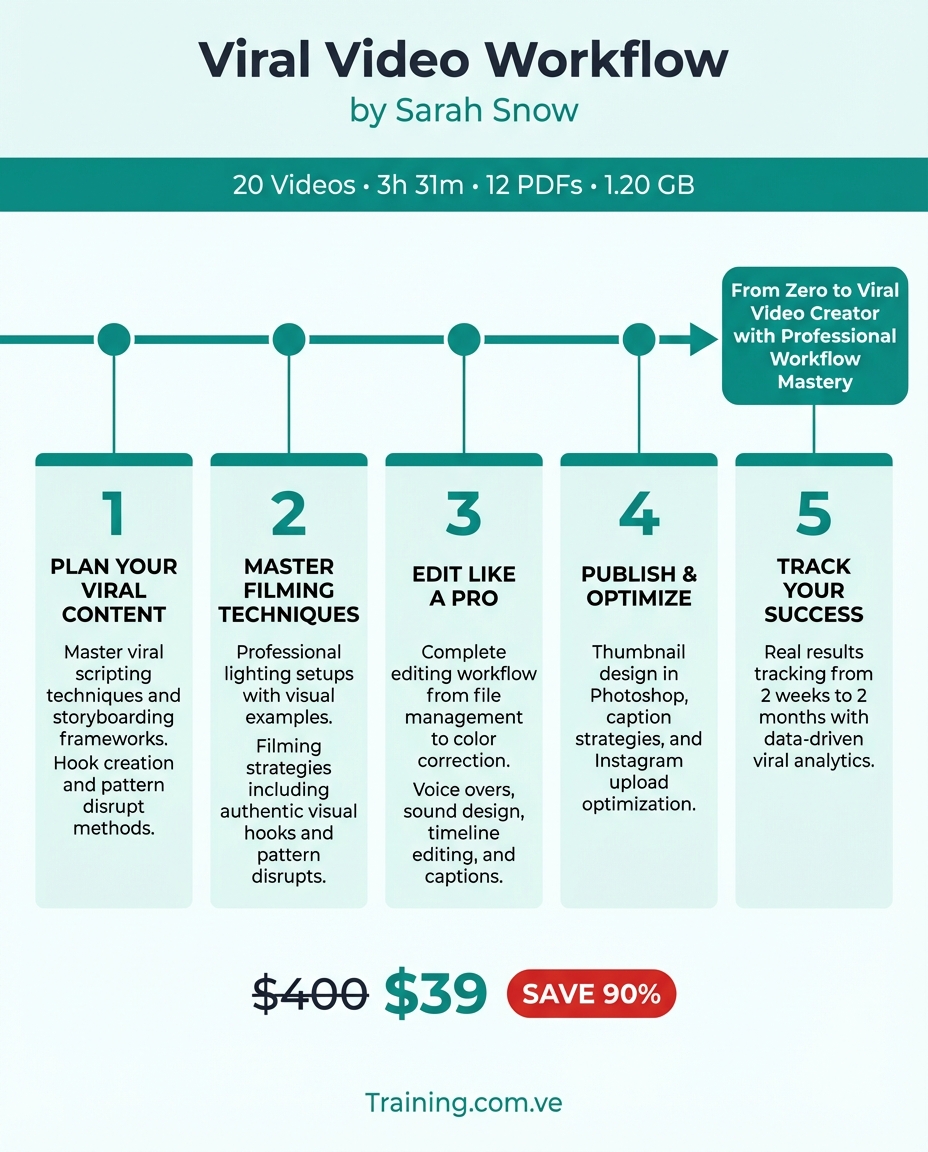
The Frameworks: Where the Course Earns Its Price
This is a selection of the core frameworks in Viral Video Workflow. The complete lesson-by-lesson breakdown is available on Course To Action. Start free.
1. The Hook-Personalization-Relatability-Answer-Objection-Punchline Script Structure
This is the scriptwriting architecture that Snow uses for short-form video, and it is the most densely useful section of the course. The structure is deliberately non-linear compared to how most creators approach a script. The hook arrives first and its job is singular: stop the scroll. Personalization and relatability follow to establish that the viewer is in the right place and that the creator understands their situation. The answer — the actual substance of the video — arrives next, but critically it is delivered before the objections, not after them. Pre-empting objections internally in the script (rather than waiting for them to appear in comments) keeps the viewer's trust intact through the payoff. The punchline closes the loop.
The structural principle underlying all of this is: deliver the answer immediately. Do not make a viewer wait for the thing you promised in the hook. This is the single decision that most differentiates high-retention short-form video from content that loses viewers at the 15-second mark.
2. The Loop Technique
The Loop Technique is Snow's method for engineering re-watches — the engagement signal that the algorithm weights most heavily on Reels and TikTok. The mechanism is architectural: the end of the video is designed to connect directly to its beginning in a way that makes the transition feel seamless on repeat. A viewer who watches a well-constructed loop may watch two or three times before realizing the video has ended. Each replay registers as an engagement signal. The technique is taught at the scripting and editing level — it has to be built in before production begins, not added in post.
The course also covers: The 3-Second Virality Audio Structure (riser → silence → music drop — the silence forces involuntary viewer attention), The 6-Layer Color Correction Workflow (a non-destructive Premiere Pro stack targeting mobile viewing conditions), The What You Hear / What You See Storyboard Table (pre-production planning that aligns audio and visual decisions before filming), and Notion Milestone Tracking at 1h / 24h / 72h (each interval has specific diagnostic criteria tied to the video's distribution lifecycle).
What This Course Teaches Well
The documentary format is genuinely instructive. Most online courses teach frameworks in the abstract and leave implementation as an exercise for the student. Viral Video Workflow is structured as a behind-the-scenes documentary of one real video being made. You watch the blank page, watch the hook get written and rewritten, watch the audio decisions get made in real time, and watch the final product reach 431,000 views. This format makes the frameworks concrete in a way that abstract instruction does not. Sound design is treated as a first-class production decision. The course covers Izotope plugin chain configuration for the kind of audio shaping that separates professional short-form video from amateur content. Most video creation courses treat audio as an afterthought. Snow treats it as the primary mechanism for viewer attention capture, which is technically correct for short-form video. After Effects caption system. The caption workflow Snow teaches in After Effects is not an accessibility add-on. Captions on short-form video are a structural element of visual communication — they carry emphasis, rhythm, and emotional tone. Snow's system for formatting, animating, and timing captions is integrated into the overall visual design of the video, not bolted on at the end. The $249 price is honest for the depth of production instruction. Color grading workflows, Izotope configuration, After Effects caption systems, and a complete scriptwriting framework are not skills typically combined into a single course at this price point.Get Every Framework from Viral Video Workflow
The course costs $249. The complete breakdown is $49/year.
Start free — 10 full summaries, no credit card
What This Course Does Not Cover
We name what is missing because that is what determines whether this is the right purchase for you right now.
Content strategy and posting cadence. The course does not tell you what topics to cover, how often to post, or how to build an editorial calendar. If you do not already know what you are trying to say, this course will not help you find out. Audience building over time. There is no module on growing a following, building community, or converting viewers to long-term audience members. Snow teaches you to make one video well. The compound effects of doing that repeatedly over months are outside the course's scope. What to do when a video underperforms. The course is built around a success case — 431,000 views. There is no systematic diagnostic framework for analyzing a video that did not perform and identifying which specific decision to change. The Notion tracking system captures data, but the analytical framework for acting on disappointing numbers is not here. Equipment and software requirements are significant. The workflow requires Premiere Pro (Adobe subscription), After Effects, and the Izotope plugin chain. Together, the software stack can exceed $1,000 annually. The course makes these requirements clear, but creators who are just starting out and working on a minimal budget will need to account for this before the course's techniques become accessible. Single video, single style. Everything in the course is taught through the lens of one specific video in one specific format. Creators who make multiple content styles — tutorials, talking-head commentary, documentary, interview — will need to do the translation work themselves.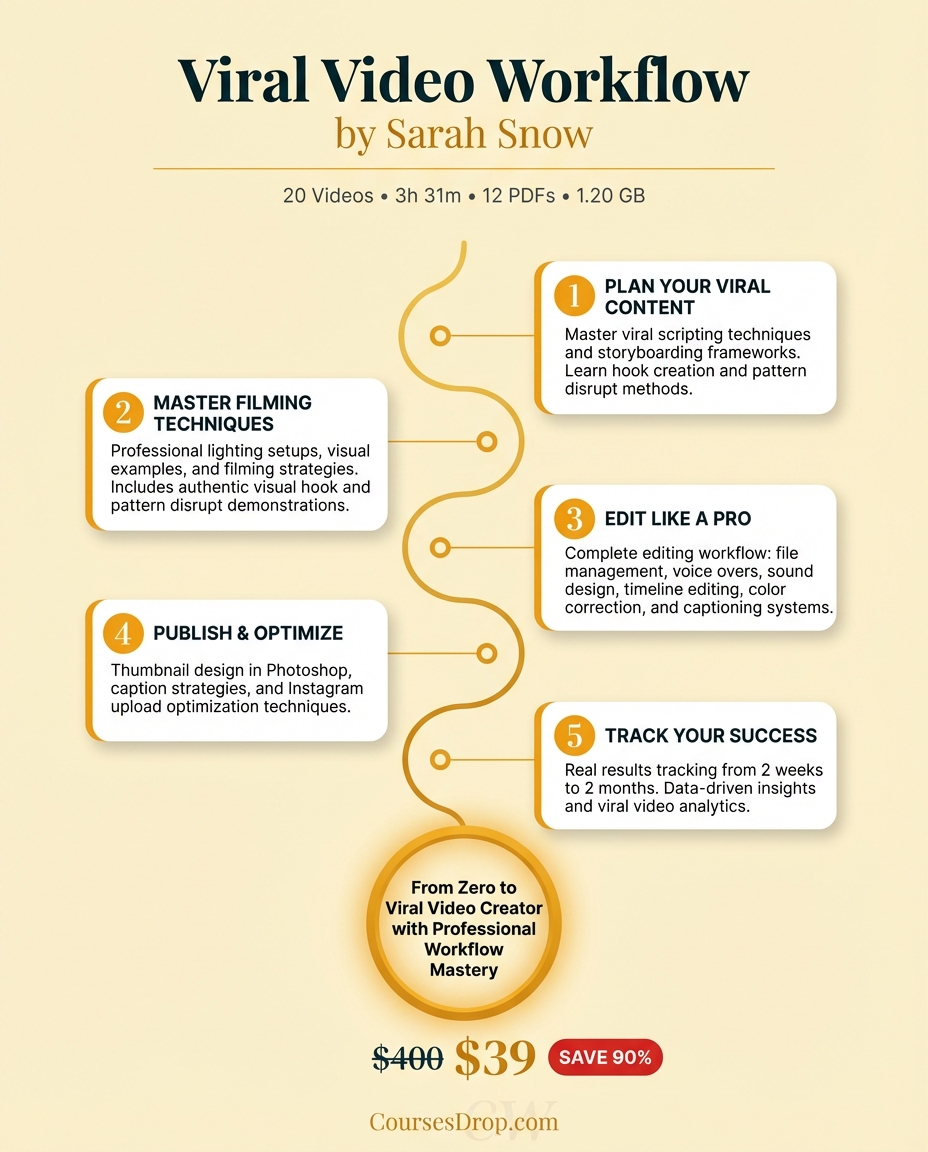
Who This Course Is Actually For
- Creators who know their subject matter and have an audience to reach but lack a systematic production workflow
- Entrepreneurs using Instagram Reels or TikTok as a primary marketing channel who want their content to perform at a higher level
- Anyone learning Premiere Pro for short-form video production who wants a real-world workflow rather than a generic software tutorial
- Intermediate creators who understand the basics of video production but have never had a systematic approach to hook writing, sound design, and color grading together
- Anyone who suspects their videos are technically competent but structurally wrong and wants a precise diagnostic framework
Who Should Skip It
- Beginners who are still learning the fundamentals of filming, recording audio, and basic editing — there are foundational gaps to close before this workflow is actionable
- Creators without access to Premiere Pro and the paid plugin stack, or without the budget to acquire them
- Anyone looking for content strategy, channel growth guidance, or audience development — this course ends at the publish button
- Creators who make content in styles other than short-form Reels or TikTok formats and need a workflow that spans those formats
The Verdict
Viral Video Workflow earns its price for a specific type of creator: someone who already has something to say and a basic command of video production software, but who has never had a systematic approach to the decisions that determine whether a short-form video performs. The core insight — that virality is engineered, not discovered — is correct, and Snow builds a coherent, technically rigorous case for it across 20 lessons.
The behind-the-scenes documentary format is the course's most valuable structural choice. Watching a real video get built from scratch to 431,000 views makes the frameworks concrete in a way that abstract instruction cannot. The Hook-Personalization-Relatability-Answer-Objection-Punchline script structure, the 3-Second Audio Architecture, and the Loop Technique are immediately transferable to your own production process.
The limitations are equally real. This is not a content strategy course, a channel growth course, or a diagnostic tool for underperforming content. The software requirements are significant. And everything is taught through the lens of one video, one style, one creator.
If your production workflow is the gap — if you know what to say but not how to make it land — $249 is a defensible investment. If you are still trying to figure out what to say, or if you need guidance on what happens after the video goes live, look elsewhere first.
The course costs $249. The full breakdown — plus 110+ other premium courses — is available on coursetoaction.com for $49/year. Start free: 10 summaries, no credit card required. Every summary includes audio so you can read the breakdown or listen to it. Use "Apply to My Business" (3 free AI credits) or "Generate Action Plan" (10 credits) to turn the frameworks into your own production workflow immediately.
Start free at coursetoaction.comFrequently Asked Questions
Is Viral Video Workflow good for complete beginners? No. The course is rated intermediate difficulty and assumes you have working knowledge of Premiere Pro and basic video production. If you are just starting out, you will want to develop foundational editing skills before this workflow is fully accessible. The sound design and color grading sections in particular require software familiarity that true beginners will not yet have. What software do you need for this course? The workflow requires Adobe Premiere Pro, After Effects, and the Izotope plugin chain for audio processing. The full software stack can cost over $1,000 annually depending on which tools you already have. Sarah Snow makes these requirements clear, but it is worth calculating your total investment — course plus software — before purchasing. Does the course cover content strategy or posting frequency? No. Viral Video Workflow is a production course, not a content strategy course. It does not tell you what topics to make videos about, how often to post, or how to build an audience over time. If those are your current gaps, this course is not the right starting point. Is the Loop Technique only for Reels and TikTok? The Loop Technique is designed specifically for short-form video formats on platforms that auto-replay content — Instagram Reels, TikTok, and YouTube Shorts primarily. The mechanism relies on those platforms' auto-replay behavior to accumulate multiple views per viewer. It is not applicable to long-form YouTube content in the same way. What does the 3-Second Audio Structure actually involve? The structure is a specific audio sequence: a riser (a rising sound design element that creates anticipatory tension), followed by a beat of silence, followed by a music drop that lands with the visual hook of the video. The silence is the key mechanism — it forces involuntary attention from the viewer. Snow teaches this using the Izotope plugin chain and specific audio layering techniques in Premiere Pro. Does the course explain why the 431K view video worked? Yes, and this is one of the course's genuine strengths. Rather than simply presenting the framework in abstract terms, Snow builds the 431K view video on camera across the 20 lessons, attributing specific performance results to specific decisions at each production stage. The documentary format makes the causal relationship between technique and result visible in a way that most courses do not.Read the Complete Viral Video Workflow Summary
The course costs $249. The full breakdown is $49/year — for every course on the platform.
Every framework deconstructed, every action step extracted, AI that applies it to your specific business. Read or listen — every summary has audio.
Start free — 10 full summaries, no credit card required